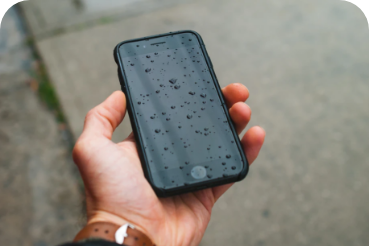
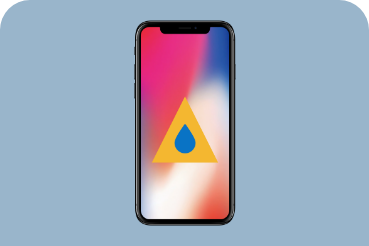
Have you had an alert saying that liquid has been detected in your iPhone? How is that even possible – isn't the iPhone supposed to be waterproof? Unfortunately, the iPhone isn't waterproof; it's only water-resistant. So it can get wet, but if water gets inside the device, it can be seriously damaged. In this article we look at how water-resistant the individual iPhone models are, where you stand with the warranty and what to do if water has got into the device.
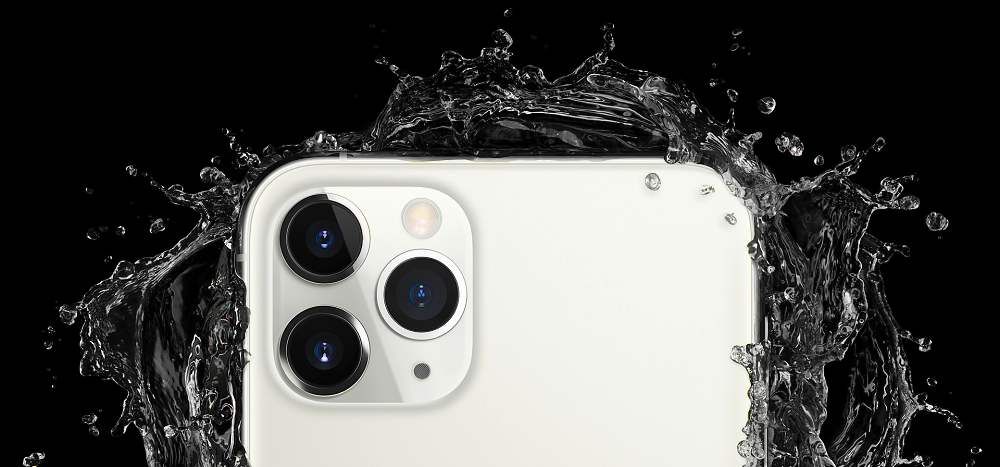
iPhone: waterproof vs water-resistant
iPhones have been resistant to water and dust since the iPhone 7. But water-resistant doesn't mean the same thing as waterproof. So how resistant are the individual models?
Water resistance of iPhone 12, 11 Pro and later
- withstands up to 30 minutes at a depth of up to 4 m
Water resistance of iPhone 11, XS and XS Max
- withstands up to 30 minutes at a depth of up to 2 m
Water resistance of iPhone XR, iPhone X, iPhone 8, iPhone 8 Plus, iPhone 7 and iPhone 7 Plus
- withstands up to 30 minutes at a depth of up to 1 m
Water resistance of iPhone 7 and earlier
- not water-resistant
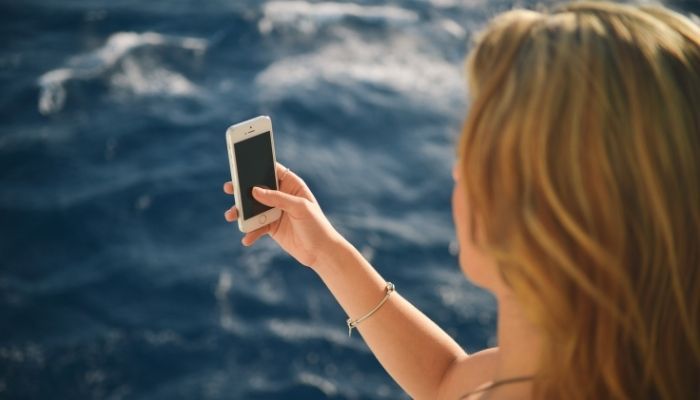
What does water resistance mean in practice? You can get the device wet, but it won't withstand water pressure. In theory, then, you can take a photo with your iPhone by the pool (or even in the pool), but not in the sea (where there are waves). Apple itself points out that the resistance is against spills, not against deliberately submerging the device in water and swimming with your iPhone.
Not all liquids are the same, either. An iPhone will cope with water, but having beer or a fizzy drink spilt on it can mean sugar settling on sensitive parts of the device.
In general, we recommend not testing your iPhone's water resistance too much. Especially if your device is damaged in some way (e.g. bent) or has had its battery or display replaced. Water resistance also decreases as the device gets older. It's important to know that liquid damage isn't covered by the warranty. A warranty technician will find that out quickly thanks to special paper indicators by the SIM and in the charging port, which react to contact with water and change colour.
What to do if your iPhone has fallen into water
We recommend the following procedure after any contact between your iPhone and water.
Step 1: unplug all cables and don't charge!
- after contact with water, the phone must not come into contact with electricity until it's completely dry. Apple's recommendation is 5 hours.
- it is possible to charge the device wirelessly, but only do that if you really need it urgently
- don't use headphones and the like either
Step 2: wipe with a cloth
- wipe the device with a lint-free cloth (ideally a cloth for electronics or optics - the kind used for cleaning glasses)
- if you've spilt beer or a fizzy drink on the device, you can carefully rinse it with tap water. But always in such a way that the liquid doesn't get into the charging connector
Step 3: dry it out
- you can help the liquid out of the connector by holding the device with the connector facing down and tapping it gently with your palm. Never insert anything into the connector (cotton buds, tissues and so on)
- leave the device in a dry place and let it dry out on its own. You can place it with the connector in front of a cool fan.
- don't use hot dryers (a hairdryer, warm ventilation). You'll only heat the device up needlessly, or even drive the moisture itself further into the innards of the device.
- never blow into the connector with your mouth. Human breath is moist, so paradoxically it does more harm than good.
Don't take getting your iPhone wet lightly. If you charge the iPhone with a damp Lightning connector, the individual pins in it (or on it, if we're talking about the cable) can corrode. That, of course, causes permanent damage and brings with it considerable connectivity problems or a complete loss of function.
When to visit a repair shop after your iPhone has got wet
If you've followed our recommendations above, in most cases your device should be fine. When is it a good idea for an expert to see the device?
- the device still says "Liquid Detected"
- the device isn't reporting anything, but it doesn't work the way it used to (there are problems with charging or with the cable connection, or the sound quality from the speaker is worse)
- you charged the device while it was wet
- the iPhone had a lot of fizzy drink, beer or another "sticky" liquid spilt on it and the liquid also got into the connector or the speaker
How much does an iPhone repair cost after liquid has got in
The price of the repair varies by model. At appleguru.cz we'll take complete care of your wet device from 790 Kč.
If the connector has been damaged, replacing the charging (Lightning) connector likewise starts from 790 Kč.
You'll find the complete price list by individual model here.
Would you like an expert to take a look at your wet iPhone? Come and see us! We're specialists in Apple products.
✆ 607 855 558
✉ info@appleguru.cz
Seifertova 683/83, Prague 3 - Žižkov