How do you keep your iPhone in excellent condition for several years? By taking good care of its most important component. Looking after your iPhone's battery pays off. Or would you rather pay 20,000 - 40,000 Kč for a new iPhone every 2 years? How do you find out what shape your iPhone's battery is in, and how do you look after the battery properly so that it lasts as long as possible?
Quick navigation:
iPhone battery condition - battery health
When to replace your iPhone battery
How to improve your iPhone's battery life with proper care

iPhone battery condition
The condition of an iPhone battery is measured by two factors - battery health and the number of charge cycles it has been through.
1. iPhone battery health
You can check battery health right on your phone:
1. In Settings, choose Battery
2. Choose Battery Health, where you'll see the condition of the battery in %
If the health is 83% or higher, the battery is still fine.
2. How many charge cycles your phone has left
One charge cycle is completed when you charge the battery to 100% and let it run down to zero. That doesn't mean you should always let your phone run down to 0% (in fact, you shouldn't). A charge cycle is counted up gradually. If you run the phone down to 75% and charge it back up to 100%, you'll use up 1 cycle in 4 days.
Apple states that original iPhone batteries should last at least 500 cycles. We mostly see them lasting between 500 and 1,000 cycles. 500 cycles corresponds to roughly 2 years of use and a 10-20% drop in battery health.
How do you find out how many cycles you have left?
•by visiting a repair shop - here at appleguru.cz we'll check the condition for you in 5-10 minutes
• using a monitoring app such as coconutBattery or iBackupBot - the check has to be done via a computer, because Apple has blocked third-party apps for checking the cycle count in the App Store. You need to download the app to your computer, connect the computer to your phone and follow the instructions for that particular app
When to replace the battery in your iPhone
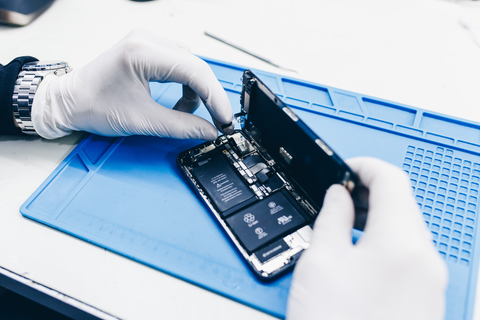
- if battery health is below 80%, consider at least a professional diagnostic check at a repair shop
- if battery health is below 60%, it's time for a battery replacement
• above 500 cycles it's again time for a diagnostic check; above 1,000 cycles the battery is at the end of its life
- you don't even have to look into battery health and the cycle count, though; the state of the battery can also be given away by these warning signs:
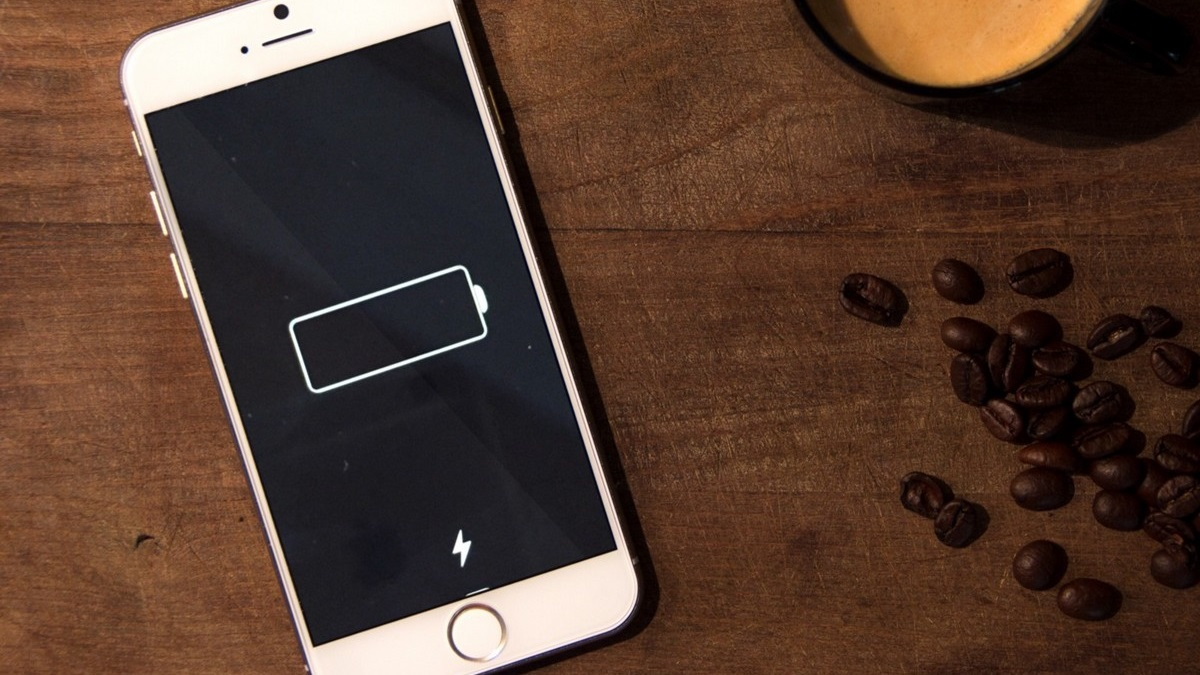
• the phone doesn't last the whole day - you have to top it up during the day even though you haven't made that many calls
• the phone switches itself off - you'll come across this mainly in winter
• the display is bulging - in this case visit a repair shop immediately, because the battery is probably swollen and in the worst case may even catch fire
• the phone won't turn on - this happens, for example, if you leave an older device "lying around" flat for a longer time. Only a new battery will get it back on its feet.
Is it time for a battery replacement? Come and see us! We're specialists in Apple products.
✆ 607 855 558
✉ info@appleguru.cz
Seifertova 683/83, Prague 3 - Žižkov
If your device is out of warranty, a battery replacement costs from 900 to 3,000 Kč, depending on the phone model.
In our price list you can look through the battery replacement prices by model in detail.
How to improve your iPhone's battery life with proper care
These few steps can help you extend the lifespan of your battery significantly:
1/ Charging correctly
• always recharge when the battery is getting close to 20%. At that point it's forced to work harder and wears out sooner.
• myth: the first time, the battery should be run all the way down to zero. That's not true. It's calibrated well enough at the factory, so skip this step. Only do it if you get the feeling that the battery is losing performance and isn't working as it should.
- if you ever find yourself in a situation where you don't plan to use your phone for a few weeks, don't charge it to 100% and don't run it down completely either. The thing to do is to charge the battery to roughly 50% and switch the iPhone off in that state. The battery then ends up in a maintenance mode in which it will last for several weeks.
• charging overnight does no harm. Once the battery reaches the 100% mark, the control unit will carry on drawing power from the mains, not from the battery. It keeps an eye on everything itself, and the battery loses none of its quality this way.
2/ Minimising battery drain
• keep updating to the latest operating system. If the device is up to date, it may include a fix for a bug that was draining your device all the faster. How do you update? Via Settings -> General -> Software Update.
• dim the screen brightness, use Wi-Fi, limit Bluetooth. The display backlight and mobile data need the most energy, and by limiting them there will simply be more of it left for other things. To dim the brightness, open Control Centre and adjust it by simply dragging the slider.
- switch to Low Power Mode. You do this in Settings -> Battery. It temporarily limits background activity. Once it's turned on, your iPhone won't download files or new mail until it's fully charged again. In that situation it's also best not to use power-hungry apps such as navigation and so on.
3/ Beware of heat and cold - protect your device with a case
iPhone batteries don't like severe cold or too much heat. If you expose them to frost or heat, their battery life drops sharply. Definitely don't leave your phone in the blazing sun or in a freezing-cold car.
It pays to protect your device by using a suitable phone case - you can choose one from our range. When a case grips the iPhone tightly and doesn't let the surrounding air flow around it, the phone starts to heat up more. As a result, the battery puts out far more power than is usual.
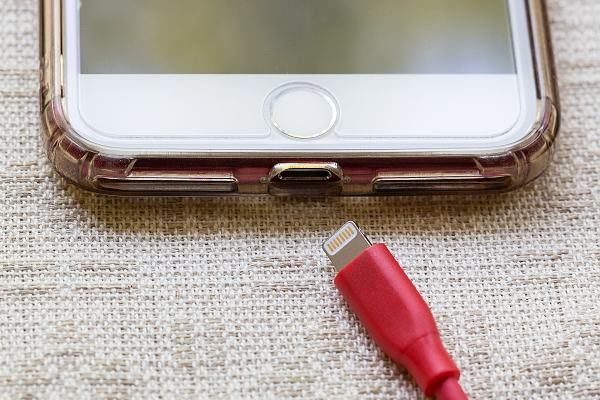
4/ Use good-quality charging cables
Quality pays off, with electronics especially. If you're buying replacement accessories (such as a car charger), invest in quality.
When is it time for a new charger? Read our tips on what to do when your phone stops charging properly.
If you need the battery replaced, all you have to do is visit an iPhone repair shop. At the appleguru.cz repair shop we'll be happy to look after you at very reasonable prices. The advantages of authorised vs unauthorised repair shops are summed up in a separate article.