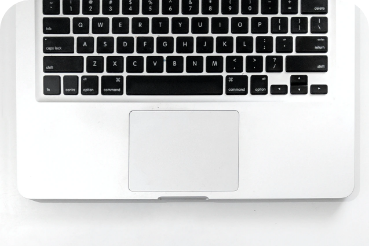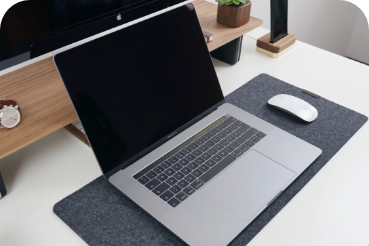
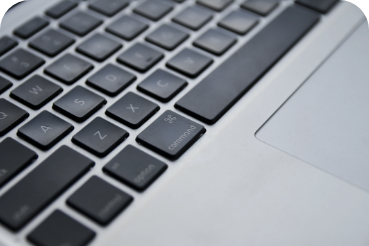
You should clean your computer keyboard regularly – if only because you use it very often and, along with the mouse and the phone, it tends to get clogged with dust, grease from your hands and potentially bacteria as well. Cleaning is important for two reasons:
- hygiene (here you are mainly protecting yourself)
- protecting the computer (clogged keys often stop working as they should)
For hygienic upkeep, the best choice is wet wipes made specifically for electronics, ideally with an antibacterial and antiviral effect.
For looking after the computer, the best solution is to use a spray duster for electronics. Thanks to the compressed gas, it can blow dust and dirt out of even hard-to-reach places.
How to clean the keyboard with a spray
Compressed-gas sprays for cleaning electronics are available in electronics shops and some chemists. They usually cost around 100 Kč.
How to do it:
- Hold your MacBook at an angle of roughly 75 degrees, so that it isn't completely vertical (see picture).
- Spray the keyboard in a zigzag motion from left to right.
- Rotate the MacBook by 90° (see picture) and repeat the process.
When cleaning, use the straw supplied with the spray and keep it about 1 to 2 cm away from the keyboard. Don't turn the can upside down while cleaning.

Professional MacBook cleaning
Just as you take the car in from time to time for a spring / pre-winter check-up and wash, your computer deserves a professional service too – especially if you use it every day. Regular maintenance extends the computer's life and makes it nicer to work with as well. It is an investment that pays for itself.
How much does professional laptop cleaning cost
At appleguru.cz, physical cleaning of a MacBook costs from 490 Kč.
A professional cleans not only the keyboard but the connectors as well. You can also talk through any problems and deal with them in good time. With us, diagnostics is free of charge as part of the service.
Where to go for professional MacBook cleaning? Drop in at appleguru.cz. We specialise in Apple products.
✆ 607 855 558
✉ info@appleguru.cz
Seifertova 683/83, Prague 3 – Žižkov
MacBook keyboard not working
Have you cleaned the keyboard with a spray following our guide above, but it still isn't working properly? Are individual keys not working, sticking, or typing characters repeatedly?
It may be that your computer is showing the most common ailment of MacBook products from 2015–2019. The so-called butterfly keyboards were a revolutionary Apple innovation that made the laptop even lighter and more pleasant to use. Unfortunately, the price was a high failure rate – that is, keyboards that didn't work properly.
Apple did, however, acknowledge the problem and introduced a free keyboard replacement programme. You can read more about this issue in our article on how to deal with a faulty MacBook keyboard.