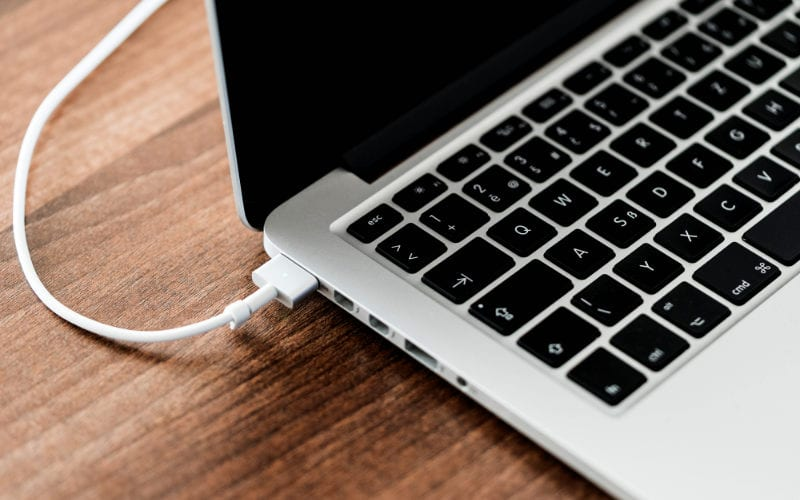
Is your MacBook not charging, not responding when you plug in MagSafe or the charger, or does charging keep cutting out? We'll check whether the cable or the connector is to blame and replace it.
Try these tips for solving charging problems
1/ Check the charger
Like Lightning connectors, Apple power adapters are fairly fragile – especially if the cable is regularly bent while charging or you bundle it up roughly to put it in your bag. A damaged cable can be ‘repaired’ by wrapping it in adhesive tape, ideally flexible fabric tape rather than the ordinary clear kind. Of course, that isn't a long-term solution, and it's better to get a new adapter.
2/ Check the socket
Does your power adapter look fine? Next up is checking the socket. Yes, it sounds trivial, but the culprit may simply be the socket or a loose cable. Check that the cable is plugged in properly, then plug a lamp, say, into the socket and make sure it works. If everything works, connect the Mac. If the Mac still doesn't respond, shut it down and close the display for at least 30 seconds. Then open it again and try charging once more.
3/ Check the power port
Take a look to see whether the port you plug the charging cable into is clean and not clogged with dust and dirt. You can try blowing it out, but definitely don't poke anything into it – even if you can see a larger speck inside. Electronics are sensitive, and by tampering with them without the proper know-how you're more likely to damage them than fix them.
4/ Check the battery's condition
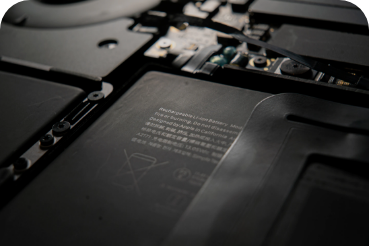
Do you own an older Apple computer? The culprit may also be a dead battery that won't charge. Your Mac then works only when it's plugged into the mains, and you can't unplug it and use it elsewhere. Check your battery's condition by following our guide. If the battery is at the end of its life, there's no need to write off the whole computer; you can simply get a new battery.
Better still, drop in on us at appleguru. We'll check what's stopping your MacBook from charging properly and suggest the best way to fix it.
Your MacBook won't charge? Come and see us! We specialise in Apple products.
✆ 607 855 558
✉ info@appleguru.cz
Seifertova 683/83, Prague 3 – Žižkov