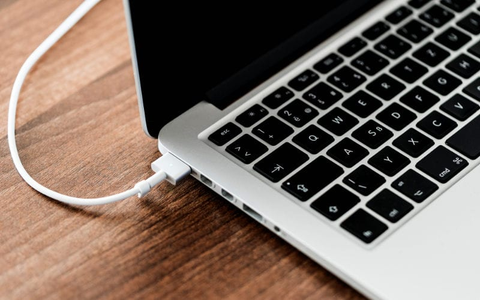

Unfortunately, MacBooks aren't water-resistant, and if you spill something on your laptop, it can cause serious damage. The extent of the damage depends on the type of liquid (water is always better than a sticky soft drink), the amount (a few drops vs a whole glass), but above all on time. In this case it's definitely true that the sooner you get to a repair shop, the better the chances of saving both your MacBook and your data. So what should you do?
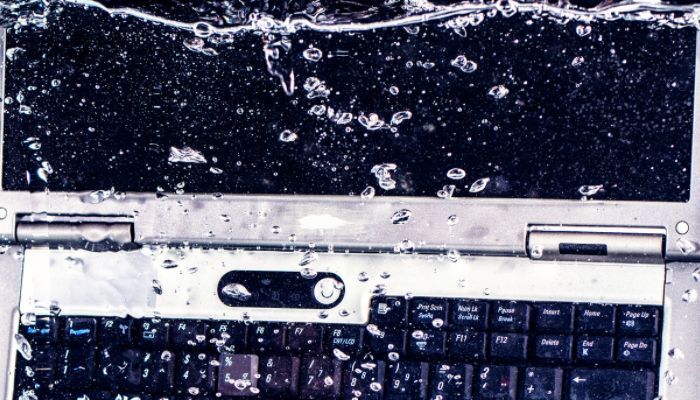
First aid after “flooding” your MacBook
Step 1: unplug the device from the power immediately
- while it's connected to the power, the device can short-circuit, which is why this is the most important step
Step 2: switch the device off the “hard” way, as it's known
- hold the power button for about 15 seconds
- again, watch out for electric shock – ideally use some non-conductive object you have to hand, e.g. a pencil, a felt-tip pen or a lip balm
Step 3: get as much liquid out as possible, straight away
- turn the MacBook upside down so that as much of the liquid as possible runs out
- then take an absorbent cloth and dry the laptop on all sides
Step 4: get to a repair shop as soon as possible
- time plays a crucial part in the extent of the damage
- don't work on the device and don't try to back up your data – unfortunately, it's too late for that
- don't experiment with amateur attempts to disconnect the battery, drying the laptop on a radiator or pouring rice into the keyboard. A MacBook is too expensive a device for that.
Spilt liquid on your MacBook? Come and see us! We specialise in Apple products.
✆ 607 855 558
✉ info@appleguru.cz
Seifertova 683/83, Prague 3 – Žižkov
The price of repairing a MacBook after liquid has got in starts at 990 Kč – see our full price list by MacBook model.
How you can save money on repairing a liquid-damaged MacBook
If the MacBook won't start once it has been dried out, there's unfortunately some unwelcome news in store for you. At most repair shops you'll probably be told that the logic board needs replacing, and the associated components along with it – the processor, the graphics card and the SSD. That's because repair shops that are able not just to replace a logic board but to repair it are few and far between.
And why do the other components have to be replaced as well? On MacBook models from 2016 onwards, the logic board is joined to the processor, the graphics card and the SSD. Thanks to this integration, new MacBooks can be even thinner than before, which is of course very pleasant for the user. The downside, though, is that if the logic board burns out and has to be replaced, you have to replace these associated components too. It depends on the extent of the damage and on what the repair shop specialises in.
Before you invest thousands in a replacement, try stopping by to see us at appleguru.cz. We don't just replace MacBook logic boards – our expert technicians specialise in repairing them. That makes rescuing a liquid-damaged MacBook much cheaper for you, and in most cases we're able to save your data as well.