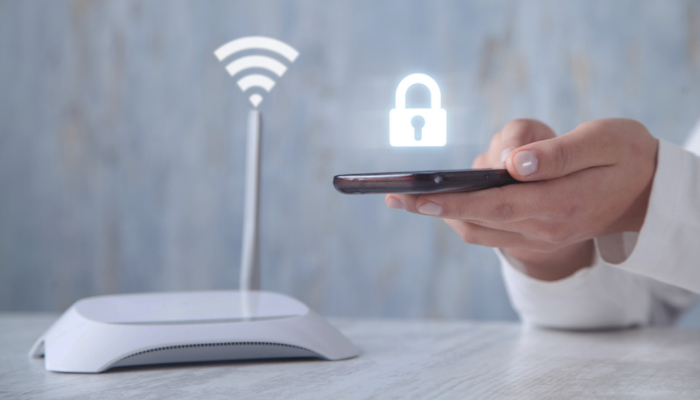
Can't your iPhone connect to a Wi-Fi network? Can't it find any networks, or does the connection keep dropping? Try our tried-and-tested tips for getting back online.
Tips for solving Wi-Fi connection problems
1/ Restart
The classic first fix for most problems with electronics. Simply turn your iPhone off and on again; a force restart isn't necessary. Is Wi-Fi not working on your computer either? Then the problem will be in the router. Turn it off for about 1 minute and then back on. While you're at it, check that all the cables are plugged in properly.
2/ Check the Wi-Fi network you're using
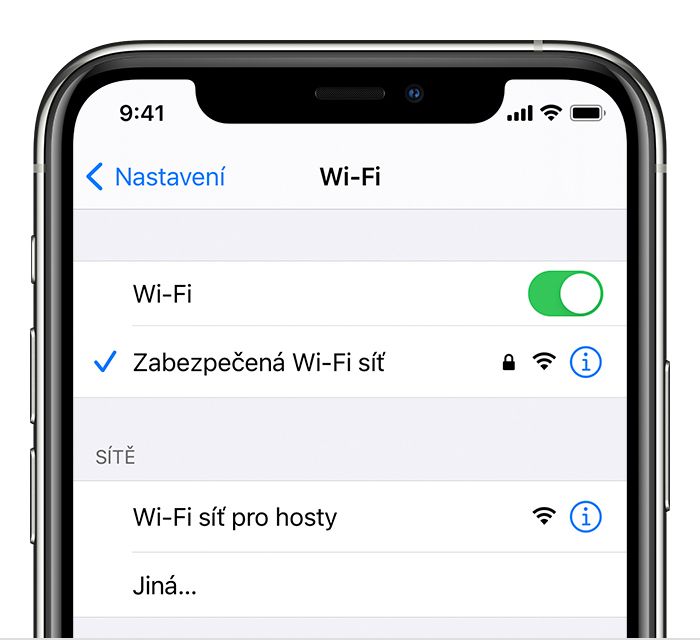
The problem may lie with one particular network. Connect to the network afresh, which you do by forgetting the network and joining it again:
Settings -> Wi-Fi
Select your network -> the “i” button -> Forget This Network
Then connect again.
3/ Check the charging port
Take a look to check that the port you plug the charging cable into is clean and not clogged with dust and dirt. You can try blowing it out, but definitely don't poke anything into it – even if you can see a larger speck inside. Electronics are delicate, and tampering without the right expertise is more likely to damage them than fix them.
4/ Check the battery's condition
Do you own an older Apple computer? A faulty battery that won't charge may also be to blame. Your Mac then only works when it's plugged into the mains, and you can't unplug it and use it elsewhere. Check your battery's condition by following our guide. If the battery is at the end of its life, there's no need to write off the whole computer; you can simply get a new battery.
Nothing helped? The fault may be in the software, or the Wi-Fi antenna may need repairing or replacing. In that case, it's best to drop in and see us at appleguru.cz. We'll run diagnostics and suggest the best way to solve the connection problem.
Is Wi-Fi not working on your iPhone? Come and see us! We specialise in Apple products.
✆ 607 855 558
✉ info@appleguru.cz
Seifertova 683/83, Prague 3 - Žižkov